Keychron K8 HE review: more room to play
After ten years with a full-size BlackWidow, I moved to the black Keychron K8 HE Standard. These are my first impressions from everyday use, Valorant, League of Legends, and input checks recorded September 24–29, 2026.
The short version
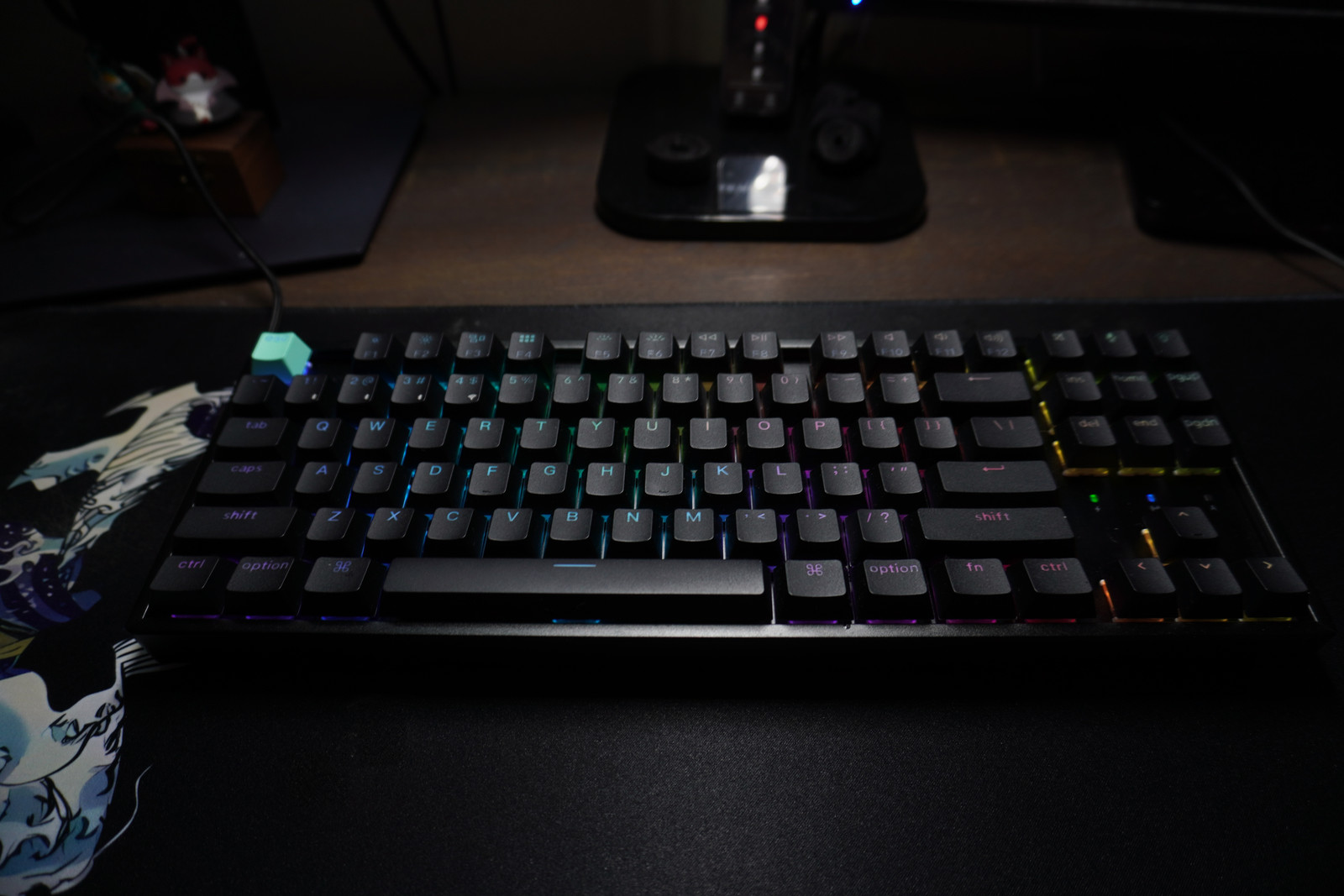
After ten years with my BlackWidow, I wanted my next keyboard to give my mouse some breathing room. The Keychron K8 HE made that difference easy to notice.
The smaller layout was the biggest improvement on my desk. I also enjoyed the feel of the keys, found the sound pleasant, and liked being able to change settings in a browser. Those everyday details are what made me happy with the upgrade.
My main complaints so far are an included cable that feels short for my setup and limited switch compatibility. This is an early ownership review; the long-term follow-up still matters.
What I wanted to change
In my BlackWidow Ultimate review, I still liked the clicky typing feel. But the number pad left less space for my mouse, and I wanted a setup that was easier to live with during gaming and everyday use.
I bought the K8 HE Standard in black as my next keyboard. Its tenkeyless layout removes the number pad while retaining the function row, arrows, and navigation keys. 1
That layout was a useful fit for me. I kept the keys I regularly reach for and gained room beside the keyboard.
Mouse space was the biggest change
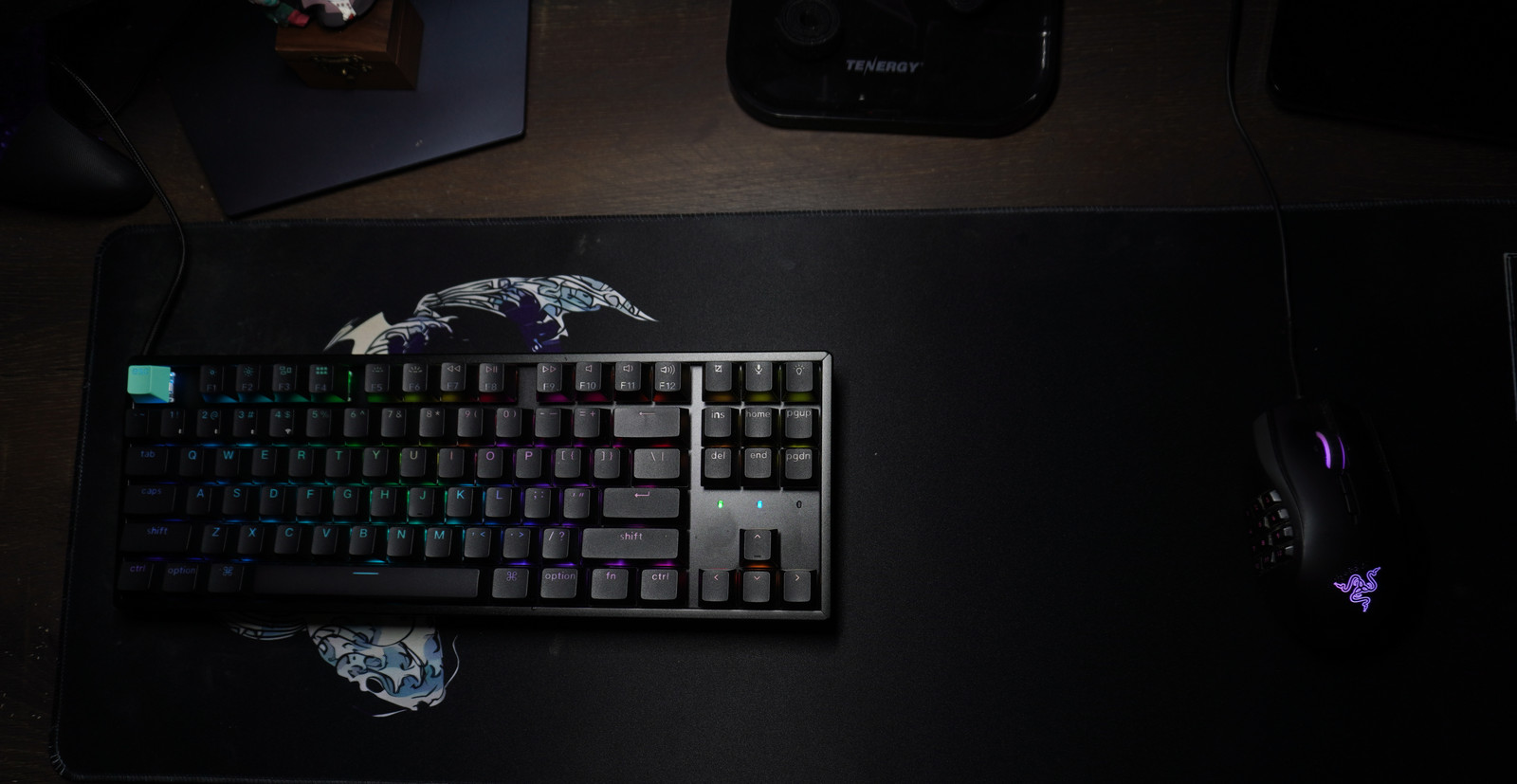
With the K8 HE on my desk, I could feel the extra room for moving my mouse. That addressed the frustration I had written about with the full-size BlackWidow. For me, the difference was night and day—my mouse finally had room to move.
Flicking felt easier with that extra room. I did not record aim scores or measure how much space I gained, so this is a practical improvement in my own setup rather than a measured increase in accuracy.
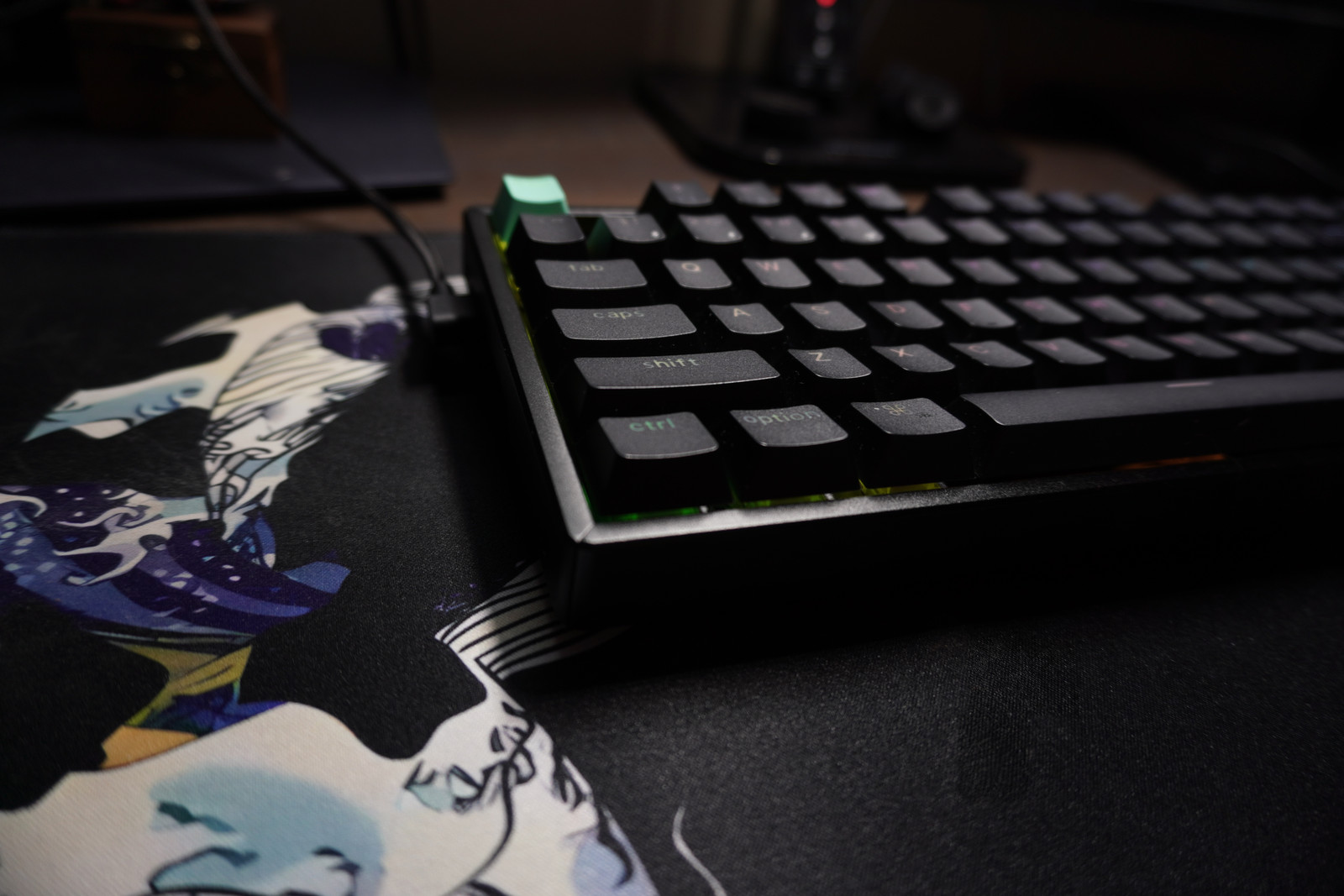
I also liked being able to move the keyboard around when using Bluetooth. The included cable felt a little short for where I wanted it, making wireless use convenient when I wanted more freedom to position it.
Valorant and League: how it felt to play
In Valorant, the responsiveness and key feel were better than I had expected. I did not notice problems during my competitive session. USB is my preferred connection for competitive play.
For the Valorant testing, I used default actuation and left Rapid Trigger off. The positive impression came from using the keyboard that way; I have not compared Rapid Trigger on and off or established a best actuation setting.
In League of Legends, I used familiar bindings and quick cast—with Flash on F, of course. I did not notice problems with the controls during that session. The TKL layout kept the keys I needed within reach.
I enjoyed gaming on the K8 HE in both games, though I did not track whether it made any difference to my match results.
A feel and sound I enjoy
I liked the feel of the keys straight away. In normal use, the sound struck me as pleasant and not too loud, and I did not note a build problem during these initial checks.
That makes the K8 HE appealing to me as a keyboard for both playing and getting other things done at the desk. These are my listening impressions; I have not assessed voice-chat microphone pickup or measured sound levels.
Bluetooth made everyday use easier
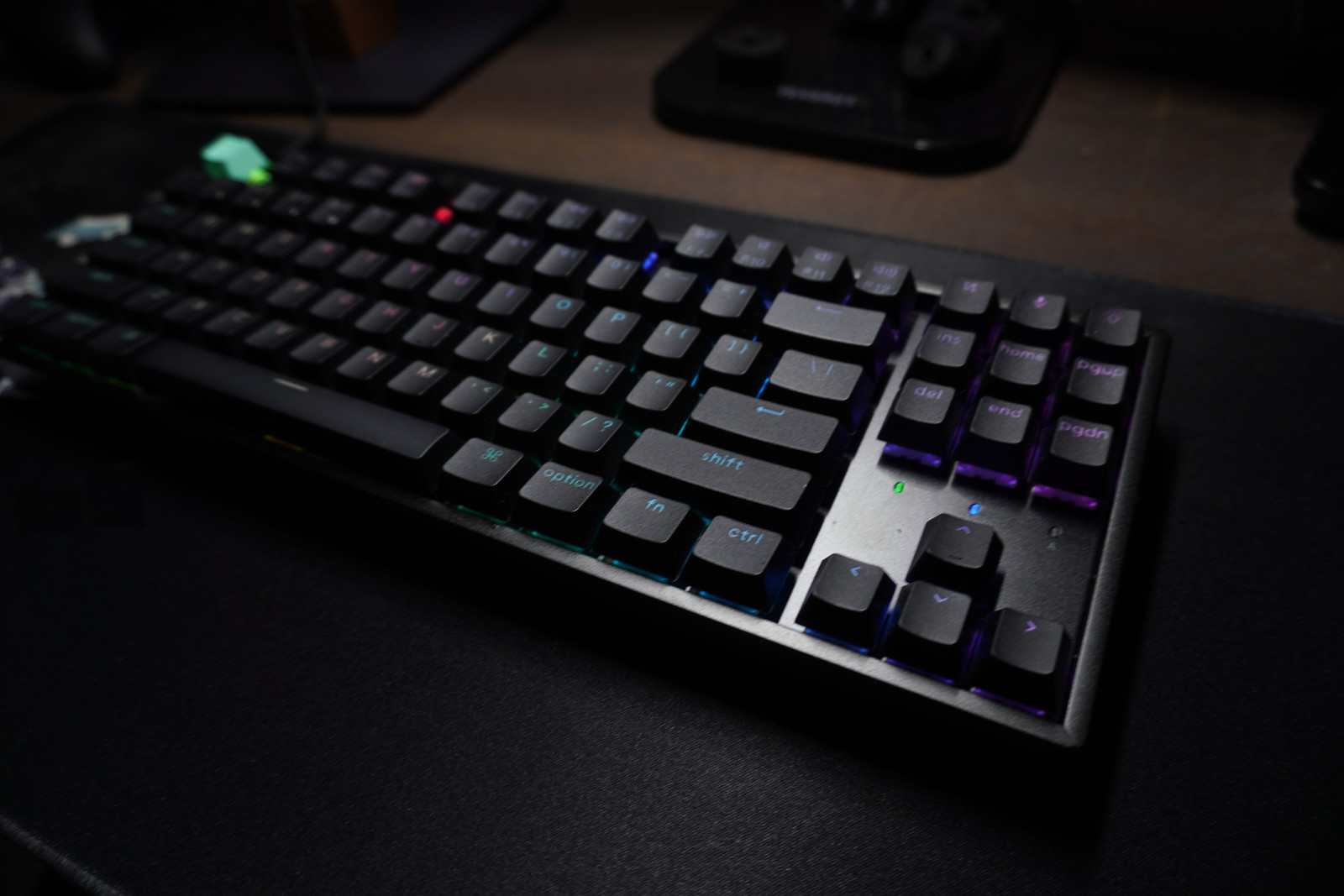
Pairing and switching between my desktop and other devices felt straightforward. I was impressed by how responsive Bluetooth felt in everyday use, and I liked being able to move the keyboard without arranging a cable first.
The K8 HE supports USB, 2.4 GHz wireless, and Bluetooth. Keychron specifies a polling rate of 1,000 Hz over USB or 2.4 GHz and 125 Hz over Bluetooth. Those are manufacturer specifications, not rates measured in my checks. 1
My experience supports Bluetooth as a convenient option for my routine. I have not measured wireless latency, tested its range, or completed a battery-life test.
Browser-based setup was a welcome change
Basic operation worked out of the box, and configuring the keyboard in Chrome was straightforward. I used Keychron's browser-based Launcher instead of installing a separate desktop configuration program for the changes I made.
Coming from the legacy Synapse setup on my BlackWidow, I appreciated that workflow. I remapped keys to volume controls, and those assignments remained active when I used the keyboard across multiple devices.
Keychron's K8 HE instructions specify connecting by USB and opening Launcher in an up-to-date Chrome, Edge, or Opera browser. That wired step is worth remembering even if you mainly use the keyboard wirelessly. 1
Launcher also offers per-key actuation adjustment and Rapid Trigger controls. Actuation changes how far a key travels before it activates; Rapid Trigger changes how a key resets and reactivates as it moves. Those options leave room for a later settings comparison. 2
For a new owner, I would start with familiar bindings and the default actuation, as I did, then change one thing at a time if there is a specific problem to solve.
What the input recordings showed
Alongside the gaming notes, I saved six short input recordings: two tapping runs, two three-key combination runs, and two held-key runs. These show inputs received by Windows; they are separate from the gaming sessions.
| Check | Recorded result | What I can take from it |
|---|---|---|
| A-key taps, two runs | Each run recorded 20 initial presses and 20 releases, with no repeated-down events. | The two short recordings contain the expected 20 press-and-release pairs each. |
| W + Left Shift + Space, two runs | All three keys were recorded down together five times in each run. | This selected combination registered during both runs. |
| Held W key, two runs | One initial press and one release in each run, with holds of about 9.82 and 9.81 seconds. | Neither recording contains an intervening W release. |
The held-W runs include repeated key-down events while the key remained held. That is consistent with normal key repeat, which can generate multiple key-down messages before the release. I have not counted those as separate physical presses or faults. 3
These checks did not measure physical input latency, polling rate, or full rollover. They support the limited observations above, not a performance ranking against other keyboards.
What changed from my BlackWidow
| Part of the experience | BlackWidow Ultimate 2016 | K8 HE in my initial use |
|---|---|---|
| Mouse room | The full-size layout got in the way of the space I wanted. | The TKL layout gave me noticeably more room. |
| Key feel and sound | I still enjoyed the clicky feel; the keyboard came through clearly in my microphone check. | I enjoyed the feel and found the sound easy to live with. |
| Configuration | I used legacy Synapse and noted lighting-setting behavior I wanted to investigate. | Launcher in Chrome was straightforward, and my volume remaps remained active across devices. |
| Ownership history | Approximately ten years of personal use. | Initial observations recorded over several days. |
The clearest upgrade for me is the extra mouse space. I also prefer the configuration experience so far. I still want a longer comfort follow-up before saying how well the K8 HE addresses the wrist-comfort concern from my earlier review.
This compares my experience with an older keyboard and a new one. It does not isolate the effects of age or switch technology.
My verdict: a good fit for the upgrade I wanted
I am happy with the move to the K8 HE. It gave me the mouse room I wanted, felt good to type and play on, and made configuration feel straightforward.
I would shortlist it for someone who wants one TKL keyboard for gaming and everyday use, likes a smooth key feel, and values the choice of wired and wireless connections.
Switch choice is the main buying compromise: the K8 HE accepts compatible Gateron double-rail magnetic switches, not ordinary mechanical switches. The cable also felt short in my setup. 1
Keychron's advertised price for the black Standard version was US$129.99 when checked on October 5, 2026, before tax and shipping. Check the listing for current stock and the delivered total. 1
The next questions are how it holds up over time and whether adjusting actuation or Rapid Trigger gives me a useful improvement. For now, it has made my desk a better fit for how I play.
Sources and review notes
I purchased this keyboard myself. My observations were recorded September 24–29, 2026, with the Valorant game and settings clarified afterward. The six input exports do not preserve a connection mode, firmware version, or exact actuation distance for each run. The numerical results above are limited to what those recordings contain.
[1] Keychron K8 HE product page — black Standard version
[2] Keychron: using HE mode in Launcher
[3] Microsoft: WM_KEYDOWN and key-repeat behavior
Product and Launcher documentation rechecked October 5, 2026. Product links above are reference links, not affiliate links. All photographs are my own.