Should you replace your gaming keyboard? Five checks before you buy
A keyboard can still work and still frustrate you. Here is how I would decide whether to keep it, investigate a problem, or choose an upgrade—using what I learned from ten years with a BlackWidow Ultimate.
My BlackWidow was about ten years old when I decided to try a new keyboard. I still liked its clicky feel. During the Valorant sessions in my review, I did not notice unexpected movement inputs. Its age gave me a reason to take a closer look, but it did not tell me what to buy.
The useful question was more specific: what would I want a replacement to change?
For me, mouse space became the clearest answer. Other concerns needed more investigation. These five checks can help you separate a reason to upgrade from a reason to adjust your setup or look more closely at a symptom.
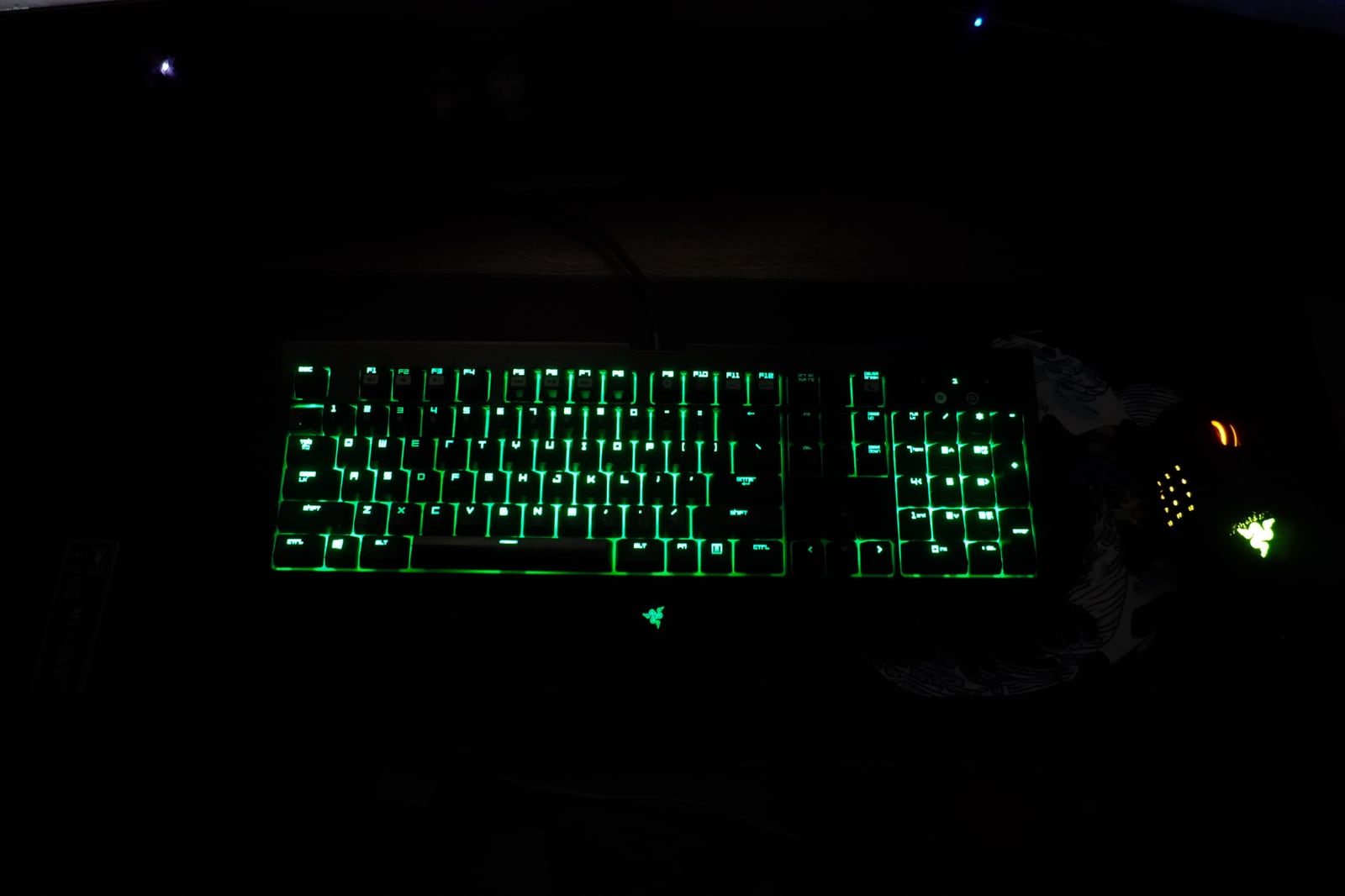
1. Does the keyboard get in the way of your mouse?
Use your normal keyboard position and mouse sensitivity. In a practice area or your usual desktop work, try the movements you regularly make. Notice whether you hit the keyboard, reach the edge of the mousepad, or keep moving the keyboard out of the way.
That frustration showed up in my BlackWidow ownership review. Its full-size layout occupied room I wanted for my mouse. Moving to the tenkeyless Keychron K8 HE gave me noticeably more space in my setup.
Before choosing a smaller keyboard, check which keys you would lose. A number pad you use every day belongs in the decision just as much as mouse room does. If the keyboard already leaves enough space, a smaller layout may offer little benefit for this particular problem.
If mouse space is your priority, my TKL vs. full-size guide walks through the layout tradeoff and a simple desk assessment.
2. What happens during a normal session?
Pay attention to how your setup feels over the kind of session you actually play. Note your keyboard position, angle, and whether you use a wrist rest. If you change something, change one thing at a time so the comparison is easier to understand.
My 90-minute BlackWidow session left me with a wrist-comfort concern. I was using no wrist rest, and I had not isolated the effect of the keyboard from my desk position. That observation belongs in an upgrade decision, but it does not establish which replacement would resolve it.
A smaller keyboard, a different switch, and a different case height are separate changes. Choose the feature that addresses what you have observed; avoid treating a new keyboard as a promise of comfort.
3. Is the sound a problem in the room, in voice chat, or both?
Those are two different listening checks. For the room, consider the people who share the space. For voice chat, record speaking and typing with your usual microphone, then compare noise suppression off and on while keeping its position and gain the same.
My BlackWidow came through clearly in an informal microphone check without suppression. Suppression reduced that pickup. It did not change the clicks someone sitting beside me would hear.
I enjoy the K8 HE's sound, but I have not run the equivalent microphone check on it. I would not use that preference alone to promise a quieter voice-chat setup. If microphone pickup is your main reason to spend, make that the specific result you want evidence for.
4. Can you reproduce the input problem?
A missed ability or an unexpected character is worth investigating. Write down the key or combination, the application, and whether the key was held or tapped. Try to reproduce the same sequence instead of changing several settings at once.
One BlackWidow recording initially looked like an extra press to me. Looking more closely, it contained 25 initial presses and 25 releases, plus a repeated key-down event while the key was still held. Windows can generate repeated key-down messages before a key is released.
That distinction matters: a held key repeating is not, by itself, proof of a faulty switch. Equally, a short recording that looks normal does not rule out an intermittent fault. I also noted unusual League inputs that I could not confidently attribute to the keyboard.
If your problem repeats, save the exact steps and what happened. That gives you a clearer starting point for manufacturer support or further troubleshooting than “it feels unreliable.”
5. Does the software support the changes you actually use?
Choose a setting that matters to you, such as lighting or a remap. Change it, close and reopen the configuration software, and check what remains saved. If using the setting on another device matters, check that separately too.
My BlackWidow needed legacy Synapse for configuration in my setup, and I noticed lighting behavior I wanted to investigate. On the K8 HE, I found browser-based configuration straightforward, and my volume remaps remained active across devices.
That made setup a meaningful part of my upgrade. It was an observation about these two keyboards and my use—not a finding that every newer configuration app will work better.
Turn your notes into a buying decision
| Your finding | A useful next step |
|---|---|
| You enjoy the keyboard and cannot name a recurring frustration. | Keep using it; age alone does not identify a benefit you need. |
| Mouse room is the repeated problem. | Compare layouts and the keys you need to retain. |
| Noise is the problem. | Identify whether you need less room noise, less microphone pickup, or both. |
| Comfort is the concern. | Record the setup and changes you try before attributing the issue to one part. |
| Inputs or settings behave unexpectedly. | Reproduce and document the behavior before treating replacement as the solution. |
Finish with one sentence: “I want my next keyboard to improve ___, while keeping ___.”
My strongest reason for moving on was the space beside the keyboard. You can read what changed after I switched to the K8 HE, including the cable and switch-compatibility compromises. The most useful upgrade is one you can connect to a problem you actually have.
About these checks
The examples come from my BlackWidow observations recorded September 20–21, 2026, and K8 HE observations recorded September 24–29. The suggested checks above are a reader's decision guide. My reviews document which checks I performed and their limits; neither review measures hardware latency or establishes a keyboard's overall reliability.